Building my Website – Where it started
May 30 2026
Depending on when you read this, you should be able to see some of the features I discuss here live on this very site. Currently, Game mode is disabled though; I'm working on it.
A bit of Context
A while ago the service I was using to host the WordPress site I was using as an online portfolio for around 10 years (which I had set up after finishing my Architecture Masters and never really updated) closed down.
After a few months of not really having the motivation to get back into
updating the ancient WordPress setup; I finally decided it was time to
have a bit of fun and write my own website from scratch.
Did I
initially consider using Statamic?
Sure; I love it. But I can't be bothered with setting up a proper
web server and maintaining it when I could just as well hand-code a
lightweight system that fit my needs and host it for pretty much free on
Firebase.
So of course; I took the small codebase I had started putting together over the years for static sites… and immediately had a ton of ideas of cool things I could do that would essentially mean re-writing it entirely.
Website/Game?
The thing that got me really excited about this project was the idea of finding a basic game engine and turning my online portfolio into a fun little side-scroller game/experience. So I immediately started looking up what was available; and quickly decided that Little.js was going to be the best match for my needs: simple, lightweight, easy to work with, and flexible.
My main concern with this approach was one of accessibility: if I were to make the site 100% a side-scroller; then I would essentially forfeit the amazing standards that have been set for accessible usability on the web, and alienate numerous people with physical, mental or visual impairments.
So I started mapping out a structure for the site that would act as a
sort of "best of both worlds", where I could separate the
content from the actual rendering, and thus have the option to render
content in both a "game" mode, and a "website"
mode.
Here's the rough draft I had laid down:
┌───────────┐
│Site Header│
├───────────┤
│┌─────────┐│
┌│Game View││
┌───────┐ ││└─────────┘│
│Content├─┤│ or │
└───────┘ ││┌─────────┐│
└│Text View││
│└─────────┘│
├───────────┤
│Site Footer│
└───────────┘
Things have changed a lot since then; but the basic concept remains the same. I'm able to write and structure my content in one part of my code; and the site's engine then dynamically displays it inside either a "game" view, or a "text" view. I'll likely cover this in more detail in the next post.
Playing Around with Little.js
But first; I had to get my head around how Little.js works.
At a
bare minimum, I needed the engine to launch, and to be able to move a
character horizontally.
So I set about creating a character, moving the character left and
right, and using the sprite animations based on the character velocity
and whether I had initiated an interaction with a world object.
For
anyone interested; here's the part of my code that handles this over
on GitHub:
player.js
This links to a specific version because this script will likely start
handling a few more things at some point.
There's a lot going
on in that code; but it essentially boils down to setting the correct
sprite loops/animations based on the character's velocity and
whether he is interacting or not.
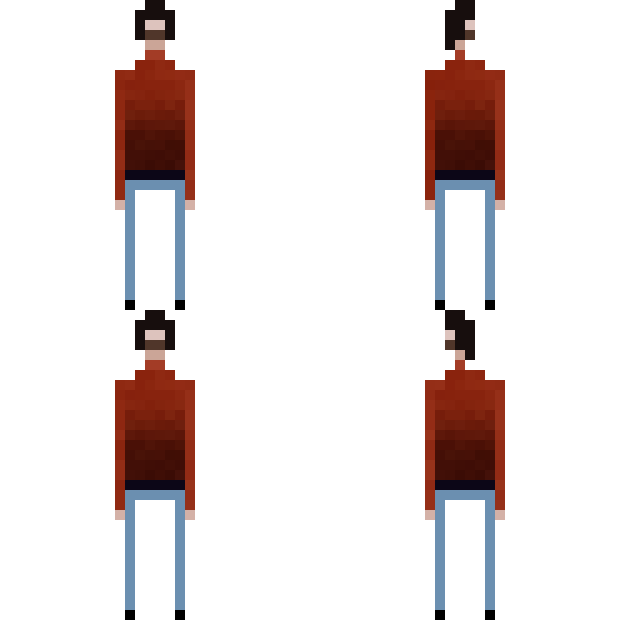
But of course; this was much more of an iterative process; and I only really got the animations right by drawing and playing around with the sprite:

Because I have very little pixel art and animation skills at this point; I took inspiration from a game I adore for the walk cycle: Superbrothers: Sword & Sworcery EP
| Gallery | |
|---|---|
 |
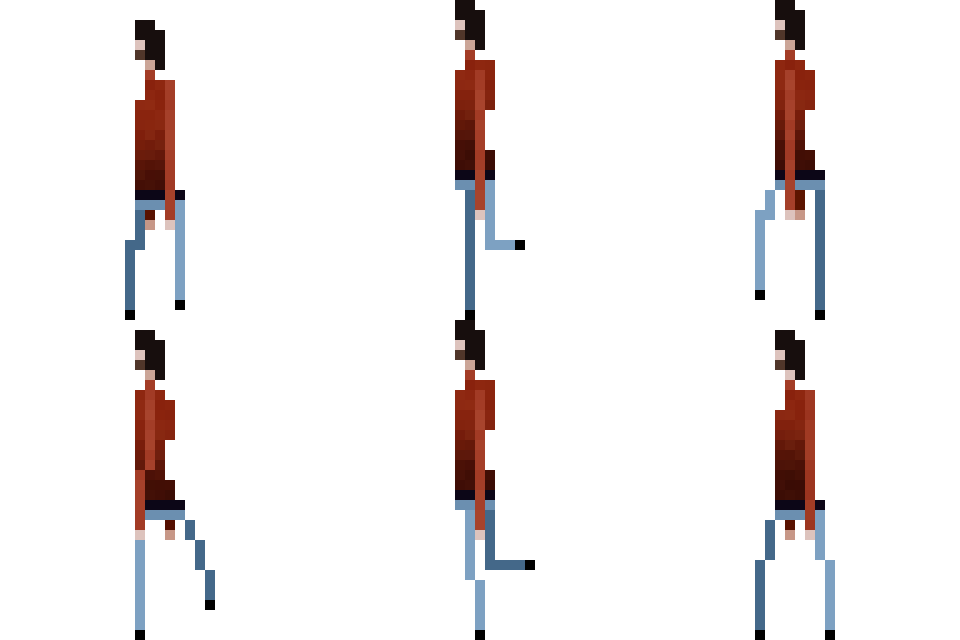 |
To be clear; I tried to recreate the walk cycle through observation alone, so the final result is maybe 30% similar; and I had to improvise for the stopping and interaction animations.
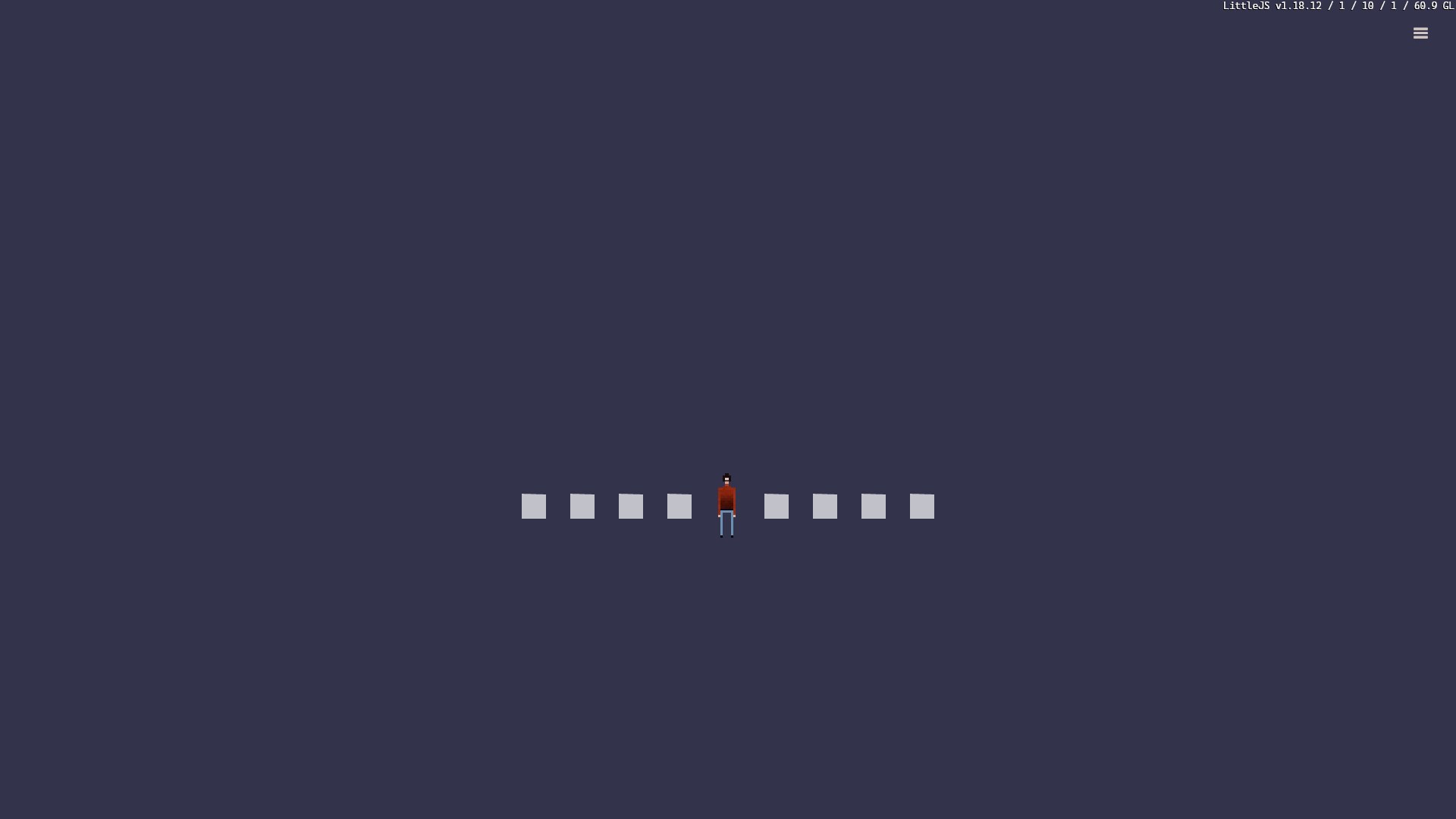
I added some dummy "interaction nodes" that I later turned into actual interactive objects that get spawned based on the content structure, and ended up with a satisfactory little scene that let me walk around and interact with world objects:
| Gallery |
|---|
 |
Up Next
Next time I'll cover how I set up the content structure using Markdown, and how I got it to display in both the "game" and "text" modes using Marked.