Building my Website – Content structure
This is the second post in a series; you can go back and read from here for more context.
Mining Markdown from Obsidian
A few years ago I started working on a tabletop RPG system/campaign to
play with friends. I initially set up a MediaWiki site because I loved
the idea of easily weaving pages and content together through automated
links and references.
As it turns out; I didn't really want to
have to deal with hosting the wiki; and realistically, I'd be the
only one using it anyway. So I looked around for some kind of offline
equivalent that I could build the same sort of structure, and found
Obsidian.md.
Like most developers, I became familiar with Markdown through GitHub and Discord, so Obsidian immediately felt quite natural. That, and I liked the idea that the "code" remains human-readable, and readily interpretable by innumerable other programs—if Obsidian ever breaks, my project remains fully functional, and that's pretty great.
I'm likely preaching to the choir here; but Obsidian really is a great tool to author Markdown content. It has that perfect balance between approachable and crunchy that lets you concentrate on the content while also generating relationship graphs and fancy interactive character sheets.
So what about the Website?
As I briefly mentioned in
my previous post, I
wanted to somehow construct a design-agnostic content layer that could
be displayed both in traditional website format, and as content inside a
side-scroller "interactive portfolio".
You guessed it, I
wanted to be able to write using Obsidian, and have the content properly
render on the web once published.
I first considered some sort of pre-processor, which would turn my
Markdown code into static HTML files that I could host directly, or
embed where needed; but that doesn't really mesh well with the
intent behind
Little.js, the
lightweight JavaScript engine I am running the game side of the site
on.
So I instead decided to use
Marked to simply fetch
the raw markdown files and inject the corresponding HTML into the site
"on the fly".
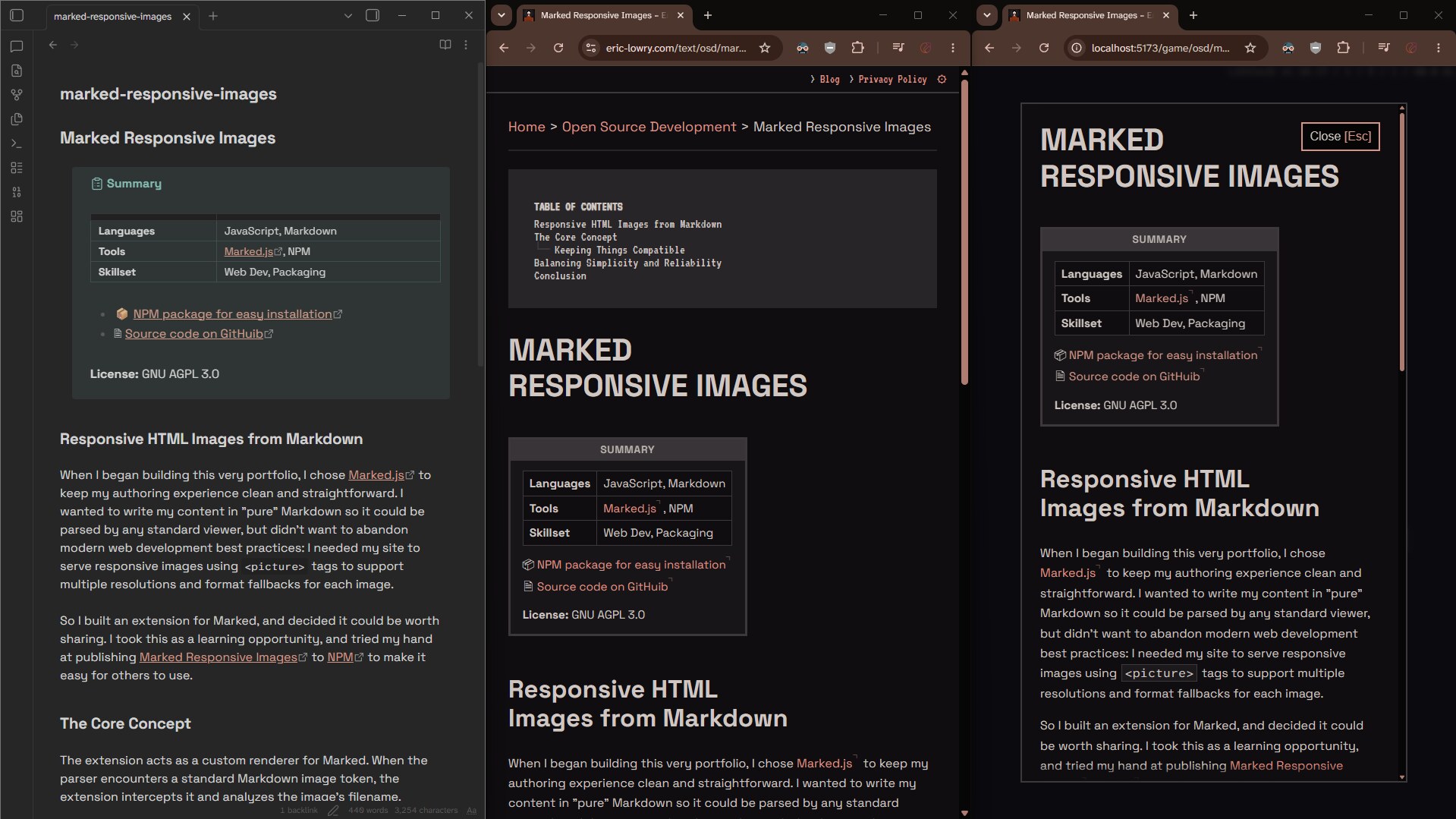
And boom! I can now write a markdown file in Obsidian (left),
and have it display on the site's "text" mode
(center) as well as in a popup/modal in "game" mode
(right).
And the best part is that the source file remains
human-readable; so technically, if you want to visit
https://eric-lowry.com/content/en_US/blog/2026-06-10.md, you'll get to read this very same file as a raw markdown file,
with working internal links (a bit more on that later).
Will anyone
ever use this? I doubt it. But I'm happy it's there, and it
means I can easily migrate this content to some other framework if I
ever need to!
Embedding Obsidian
Using Obsidian does have one disadvantage: it comes with its own set of
folders and "meta" files, which could pollute the project if I
wasn't careful.
My solution to that ended up being quite
simple:
- I pointed Obsidian to my
/public/folder so it wouldn't have to deal with all the code, Vite and IDE stuff. - I used the File Hider Obsidian Plugin to avoid messing with folders that don't contain my actual markdown files.
- I added the Obsidian folders to my
.git/info/excludefile:# Obsidian /public/.obsidian/ /public/obsidian/
This keeps things nice and tidy and doesn't clog up the git repository!
Beyond Markdown
I have ONE big issue with this whole setup I've been praising:
Markdown is BAD at handling images and media for a modern
web.
No, really; how am I supposed to prevent my site from loading a
full 4K image when a page is being viewed with a width of 480px? How do
I embed video content from some external host without polluting my
Markdown file with an HTML iframe?
Easy: Marked is pretty easy to extend and build upon.
Responsive Images
My biggest endeavor, and the one I used to experiment and learn how to work with Marked has been Marked Responsive Images, which turns a simple image link like this:

into a proper HTML picture tag:
<picture>
	<source srcset="img/photo__800-600.webp 800w" type="image/webp" />
	<source srcset="img/photo__800-600-webp~.jpg 800w" type="image/jpeg" />
	<img src="img/photo__800-600-webp~.jpg" width="800" height="600" alt="Web optimized photo example" />
</picture>
There's a lot of "magic strings" going on here; but once you wrap your head around it, the whole thing is just a nice trick to turn "pure" markdown into some clean modern HTML.
Gallery Display
The second most complex extension I wrote transforms a table with a specific header into a proper HTML gallery:
| Gallery: | | | | |
| -- | -- | -- | -- | -- |
|  |  |  |  |  |
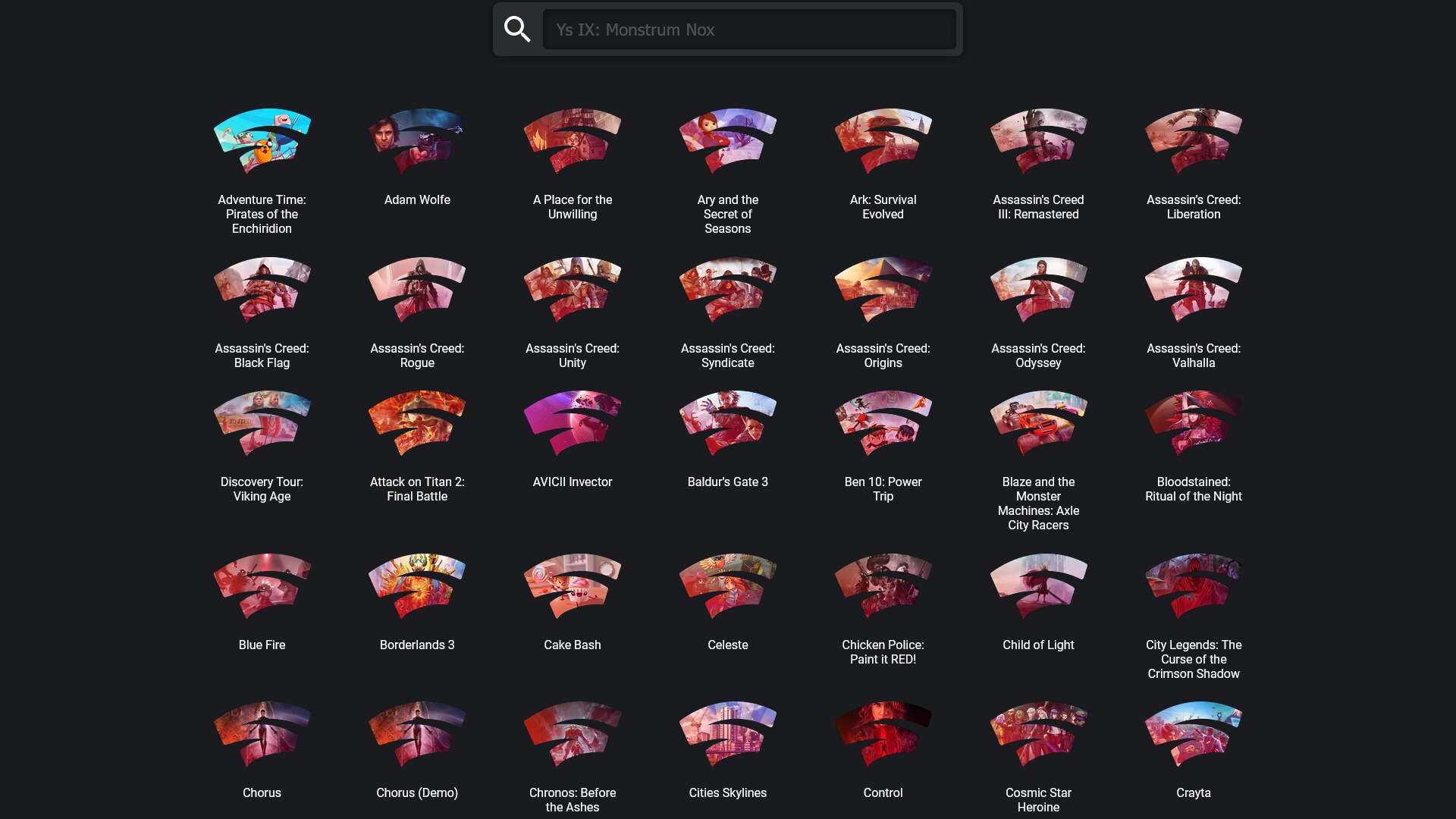
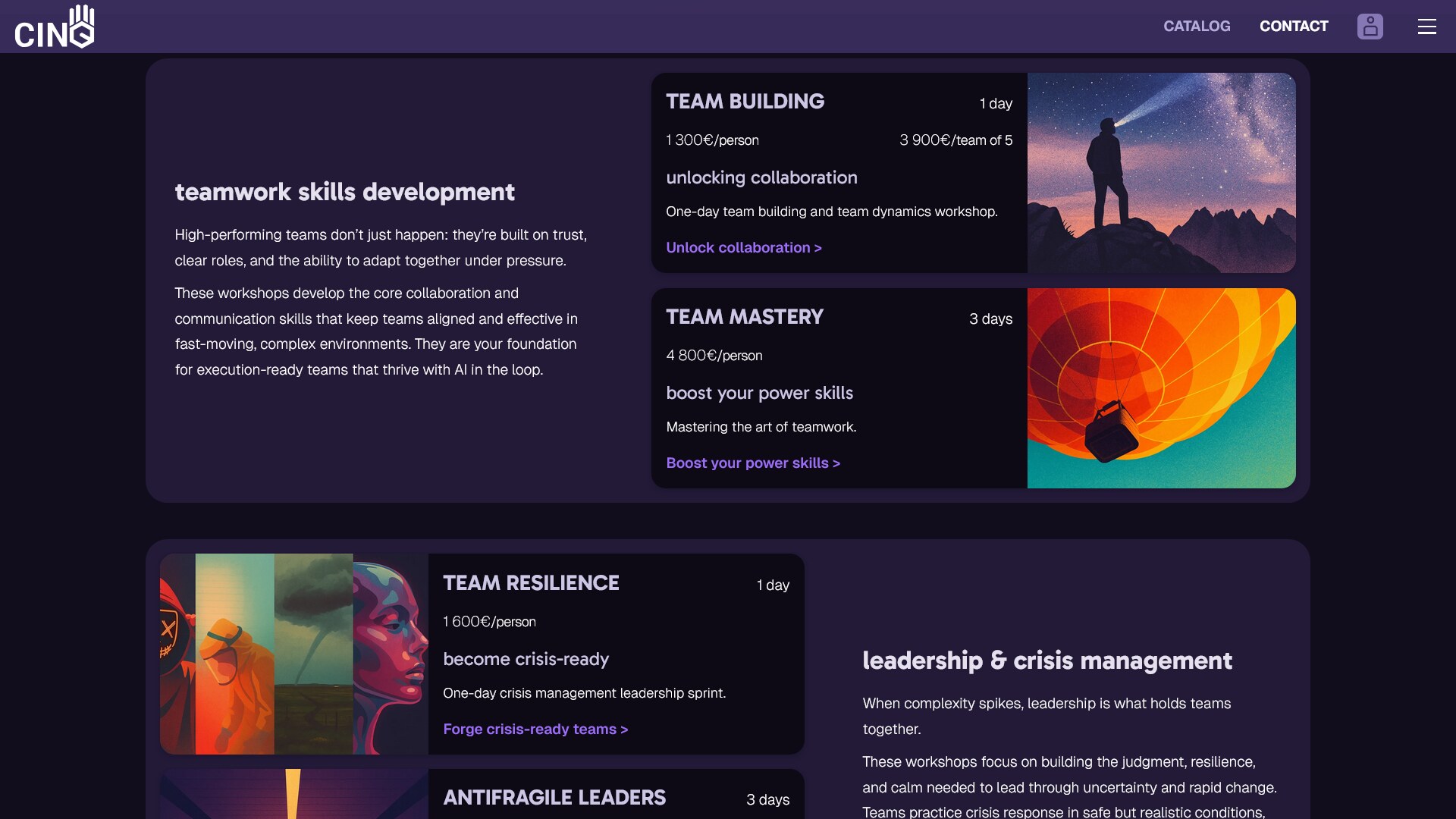
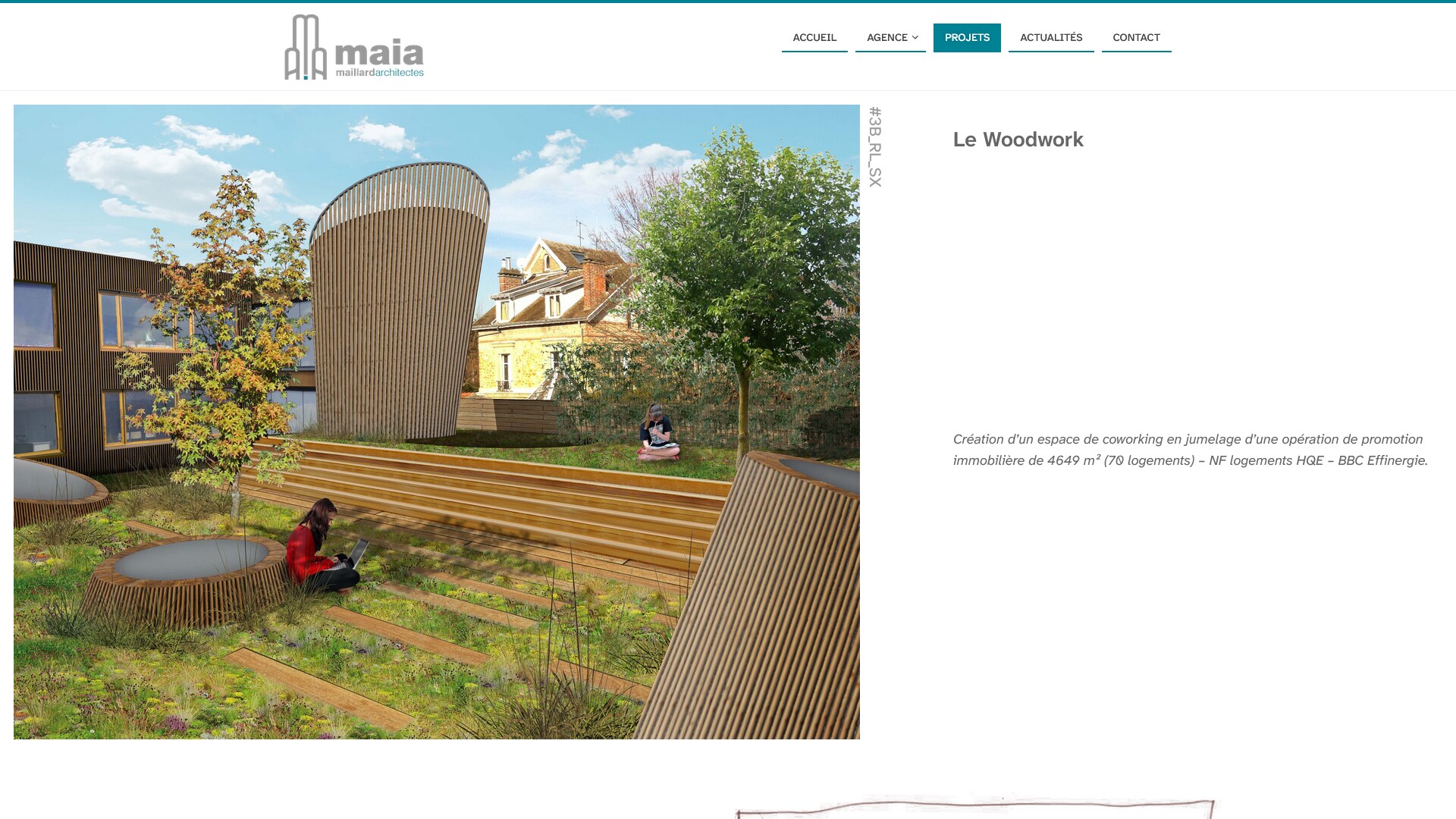
Once parsed, the site renders a gallery similar to this one:
| Gallery: | ||||
|---|---|---|---|---|
 |
 |
 |
 |
 |
Though the code for this one is quite robust; I haven't published it as a standalone project because the display and interactivity part of it is intertwined with other parts of this site's code. But feel free to borrow the code and make it fit your own projects.
Odds & Ends
From this point on, I built a few tiny extensions specifically for this site; all things that wouldn't really make sense to share online, or at least not with a big usability upgrade:
- A Local Link Parser that contextually transforms links that point to a markdown file in my content layer into the corresponding web URL I'm using to display that content on the site.
- A Video Embed tool that turns links to video content (or anything, really) into a corresponding embed iframe based on the source URL.
- A little Obfuscator, (though de-obfuscator may be more appropriate) which lets me avoid storing personal information like my email and phone number in the markdown files for the site; and instead has them de-obfuscated in the HTML view through user interaction. It's nothing fancy, and by no means cryptographically secure; but it helps hide stuff from most scraping.
If you're curious, you can check out my markedExtensions.js file where I set these up alongside some pre-existing extensions.
Up Next
It's still in its early stages so it may be a while, but as soon as I have locked down the system I will be using to transform my Markdown content structure into both a navigable "traditional" website, AND 2D side-scroller maps with graphics and animations; I think it will be worth talking about.