InputLayers
Simplified Unity3D Input Management
[!SUMMARY]
Languages C#, USS Tools Unity3D, UI Toolkit, Input System Skillset Game Dev, UI, UX License: Unity Asset Store Extension Asset (source available)
After over a decade of building UIs in Unity3D, one thing that has kept feeling "off" about how it handles inputs. When they introduced the "new" Input System and Action Maps, it felt closer to something fully realized, but not quite right either.
So for some projects on which I was working, I decided to try to fix my biggest peeve with the whole thing: implementing a simple, straightforward way to determine which UI, popup, or character controller should receive inputs at any given time. I started building InputLayers as a system for my own games, but quickly realized it could be useful for other developers, giving me an excuse to experiment with publishing a package to the Unity Asset Store.
The Architecture
InputLayers is a layer-based filtering system built atop Unity's Input System, which eliminates the need to enable or disable input handling manually every time a new menu or mechanic gets enabled/added.
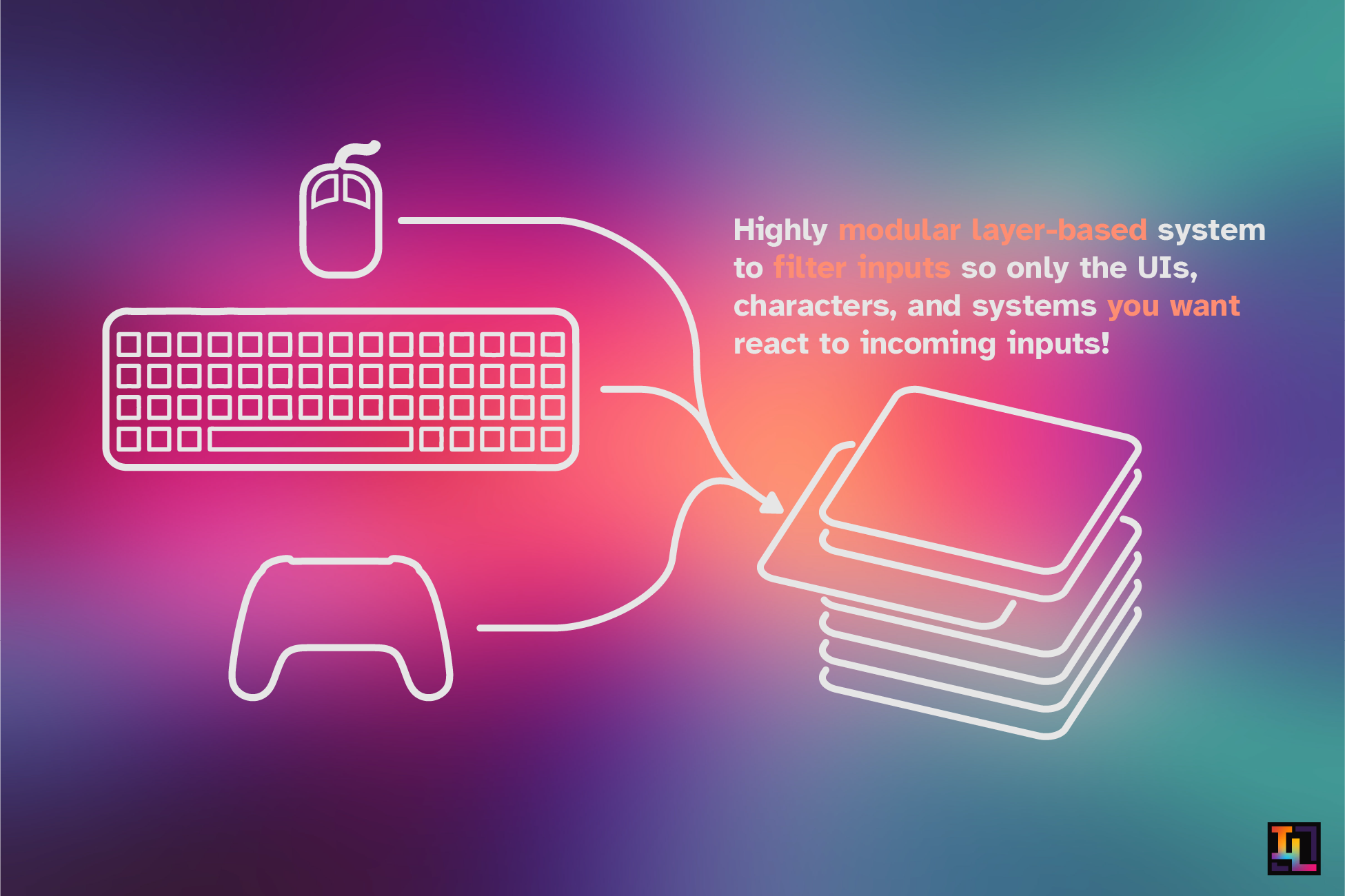
It achieves this by replacing default InputActions with
custom LayeredActions. These actions still map to standard
Unity inputs, but act as a filtered pass-through: they will only
register an input if their specifically assigned Layer is currently
active.
The system relies on the following stack-based hierarchy:
The Stack
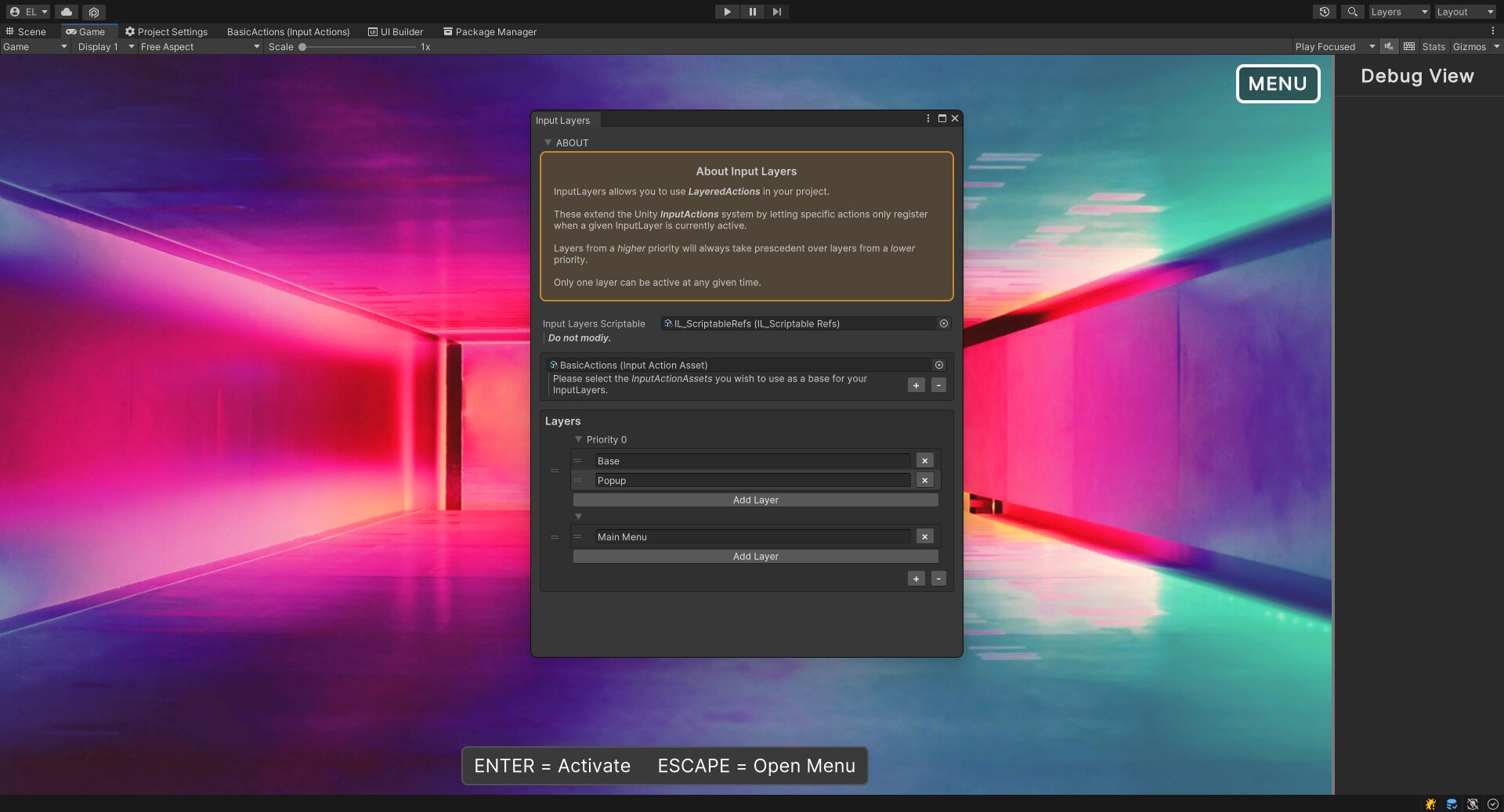
When a UI element or game system comes to the forefront, its layer can be "activated" and pushed to the top of the stack, instantly hijacking input exclusivity. When closed, the layer is deactivated (popped), and the previous layer in the stack seamlessly regains control.
Priorities
To handle complex games, layers are organized into Priorities. This ensures that critical systems always take precedence over lower-priority ones, regardless of the order in which they were activated.
Engineering for Developer UX
In order to publish this for others to use, I felt it was important to ensure that it had a good user experience. I worked to built a frictionless implementation experience on top of a robust underlying system.
Using a SignletonScriptableObject pattern as the backbone
for all the state management, hierarchy validation, and event
broadcasting makes it easy for the asset to be easily used
simultaneously with the following two workflows:
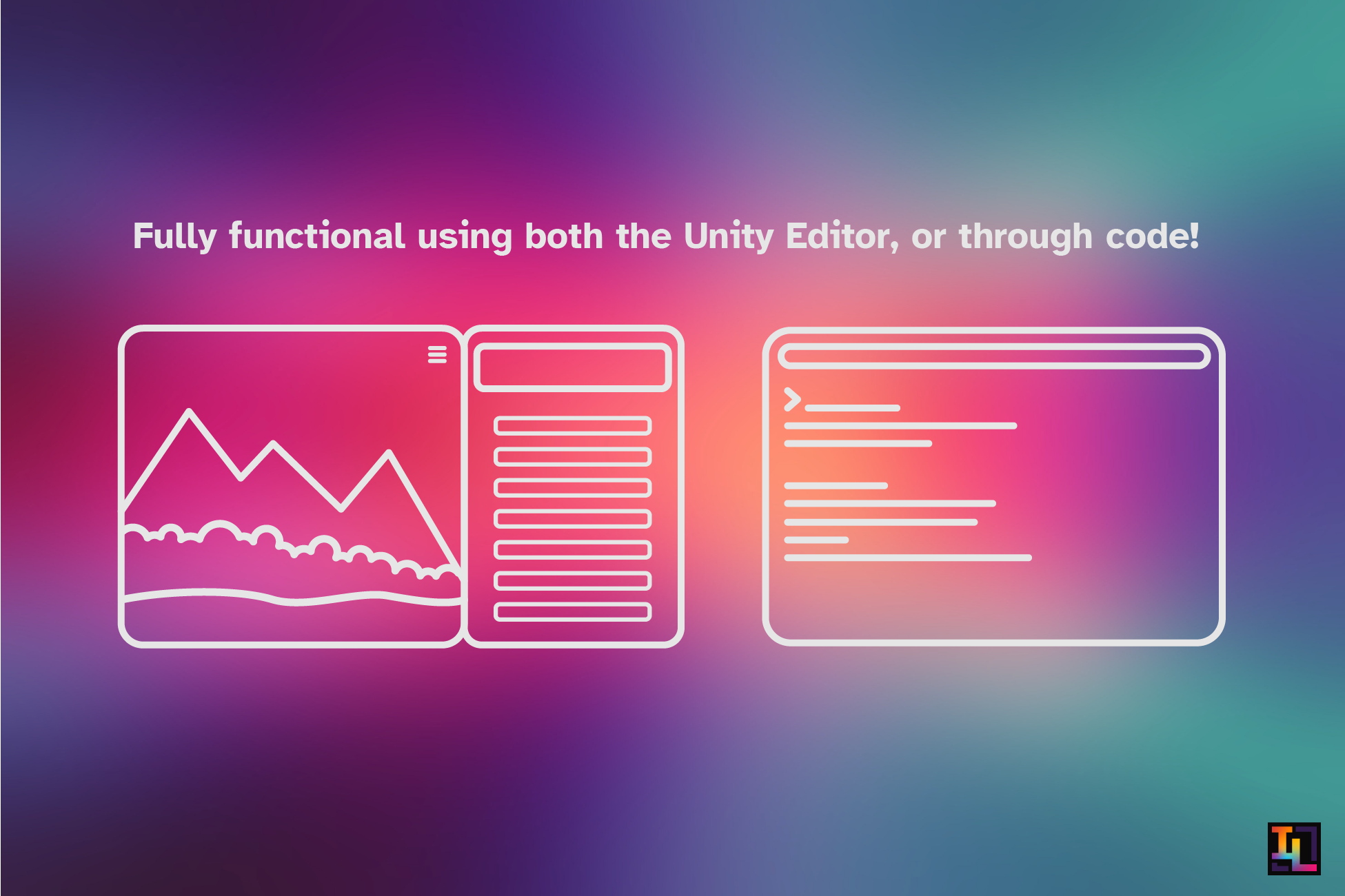
The Inspector Workflow
For designers and rapid prototyping, I developed custom Unity Editor
windows, property drawers, and components to help configure the entire
system without touching a line of code. Using the
IL_LayeredAction component, users can link Unity's
InputActions to a specific InputLayer and
trigger standard UnityEvents directly from the
Inspector.
The Code Workflow
For a more developer-friendly and better optimized architecture,
developers can simply include a serialized
LayeredAction struct within their custom scripts. This
exposes a custom property drawer in the inspector for easy assignment of
the target layer and input, while letting code react to C# delegates
(like onPerformedEvent) programmatically.
Robustness
While the core of InputLayers is its stack and event system, ensuring
its stability under the hood required engineering a few specialized
utilities. I built custom data structures, such as a
PseudoSerializableDictionary to handle Unity's
serialization quirks and a StackableList to manage the
push/pop mechanics of unique active layers. I also integrated an
extended logging system that injects color-coded headers and formats
objects into human-readable JSON, simplifying the console debugging
process.
Onboarding
To ensure a smooth onboarding experience for users downloading the package from the Asset Store, I authored comprehensive online documentation and I included some fully functional sample scenes within the package to demonstrate the basic configurations and use cases.