StadiaIcons
Native Desktop Shortcuts & Dynamic PWAs for Cloud Gaming
[!SUMMARY]
Languages JavaScript, HTML, CSS Tools Firebase Hosting, Firebase Functions, PWA Skillset Graphic Design, Web Dev, Web Design License: MIT
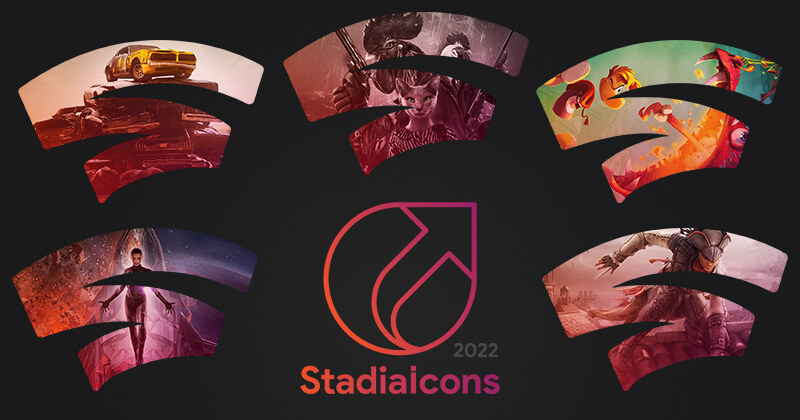
With the launch of Google Stadia in late 2019, I became interested in cloud gaming and the flexibility it could bring. Though not without some small flaws, I found that it worked very well for my setup. One small down-side was that it required the use of a Chromium-based browser to run on Windows, and I use Firefox, so setting up game shortcuts required tedious workarounds and resulted in low-resolution browser favicons. In fact, hunting down game assets to create my own icon files was sometimes quite difficult, to the point where I even had to contact game developers directly to get official art for some more indie titles.
A nice community of developers formed around Stadia, messing with browser extensions to upgrade the Stadia UI and UX, and to add advanced options. This motivated me to take my frustration with creating icons manually and turn it into a project that could be shared with others. StadiaIcons became a rather massive design project, and my first dive into server-side JavaScript, Progressive Web Apps (PWAs), and Firebase Cloud Functions.
Icon Design
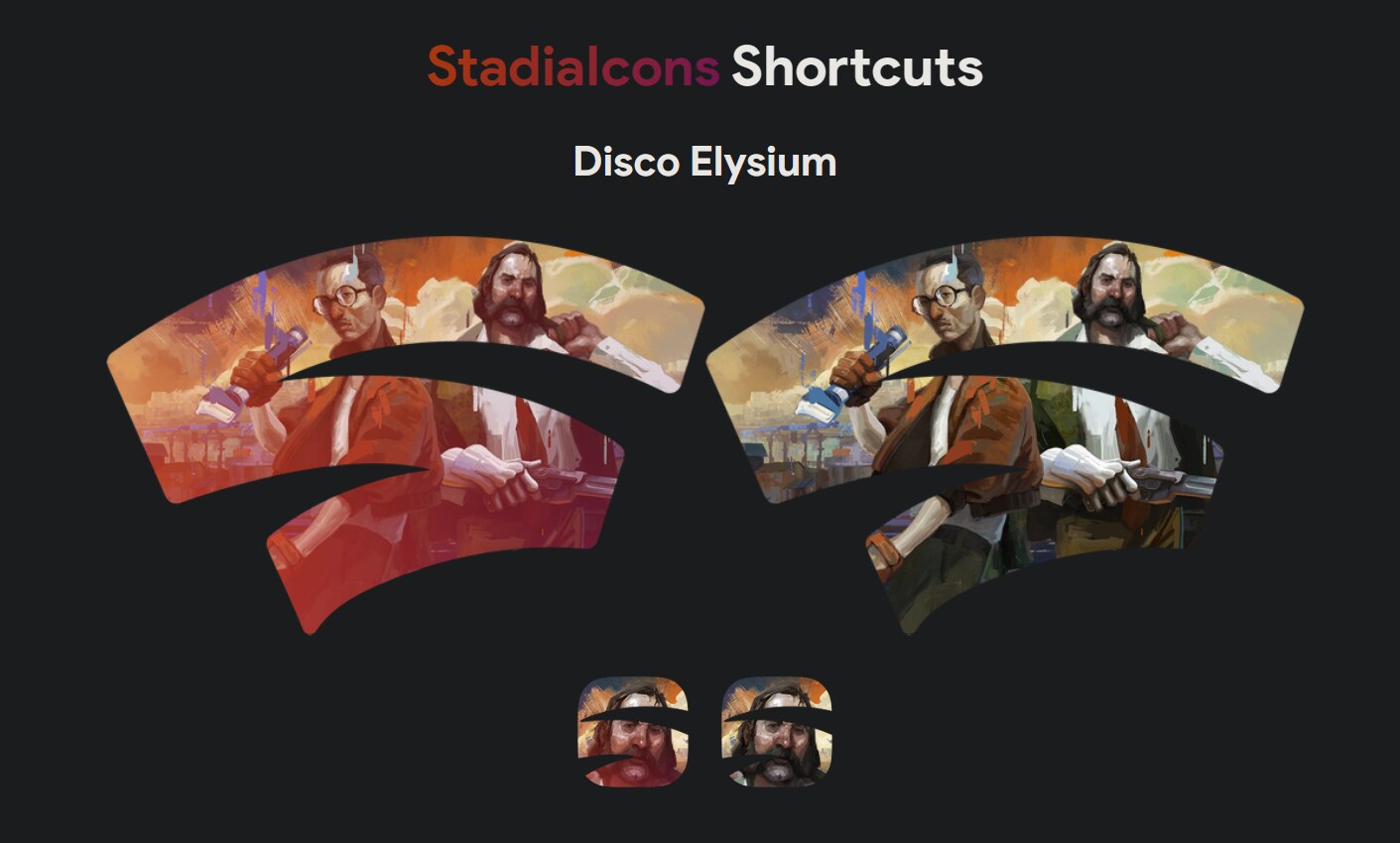
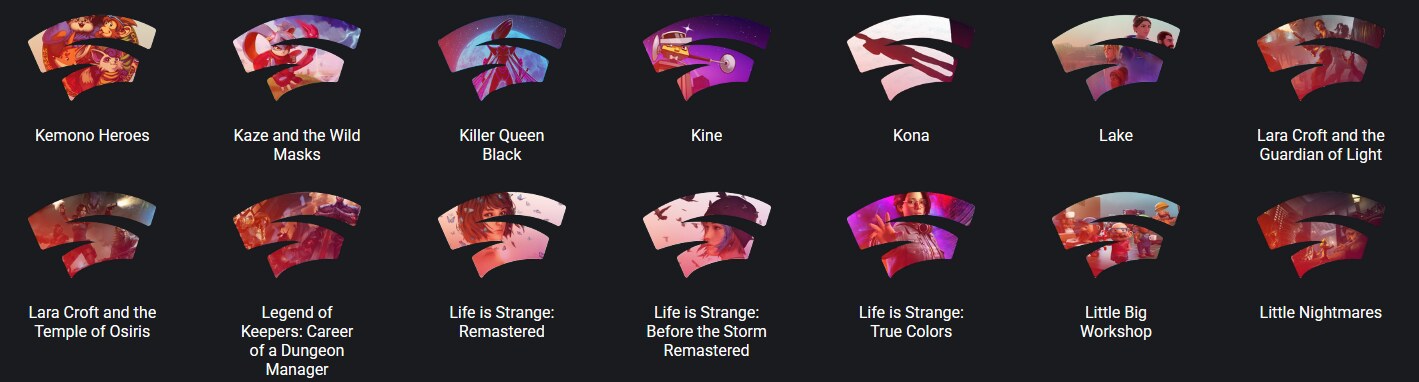
A significant part of StadiaIcons involved actually designing and publishing a unified icon library for all Stadia games. I wanted to make sure all the game icons had a consistent feel and were immediately identifiable without having to draw game art myself, so I took the "Stadia Swoosh" logo and color scheme as a base outline for existing game art. In the end, I had created icons for the platform's entire library of over 280 games; with color and shape variants, the project grew to over 1,120 unique images.
The main difficulty with this task was sourcing high quality images and making them work within the bounds of the icons. Trying to make sure recognizing the individual game from key art was a main concern, and so was trying to create visually appealing icons across the board.
Dynamic PWAs & Firebase Architecture
To keep the UX as clean and simple as possible, I effectively created a fancy system that dynamically constructed Progressive Web Apps in order for users to be able to "install" the PWA (hosted using Firebase), which would launch the Stadia game completely transparently.
When a user requests a shortcut, a Firebase Cloud Function dynamically
generates a unique webpage and manifest.json file on the
fly, parsing specific URL parameters and mapping them to a central
refs.json database. Building this required navigating the
specific quirks of PWAs and service workers at a time when online
resources were rather scarce.
Middleware Integration
Community adoption quickly became apparent through interactions online, especially after collaborating with other developers on Discord and contributing to various community projects. I contributed to Stadia Enhanced (the most commonly used Stadia browser extension), which allows users to generate and download StadiaIcons shortcuts directly from the Stadia user interface.
Legacy
Stadia eventually shut down, but I continue to host the StadiaIcons website and open-source repository. Beyond preserving the sheer amount of design effort that went into the 1,120 images, I keep it online because Stadia, despite its flaws, was a fascinating moment in gaming tech history, and I believe it is important to preserve the traces of the tools, communities, and experiments that grew around it.