DNS Toggle
A lightweight Android Quick Settings Toggle for Private DNS
[!SUMMARY]
Platform Android Languages Kotlin Skillset App Development, UI/UX Design License: MIT
Since Android 9, it has been possible to use the
private DNS setting on devices to set a custom DNS server;
coupled with services like NextDNS, it
is one of the easiest ways of enabling system-wide tracking protection
and malware/content blocking.
This is a great security baseline
across the Android ecosystem, but it can interfere with some networks
(public access points or Hotel wireless networks), which can make it
impractical to use as it is buried in the system settings.

Though this is not the first attempt to develop and implement a more practical way to toggle this option (and likely not the most advanced), my aim was to set up an extremely lightweight toggle for private DNS in the Android quick settings menu myself as a means to learn the basics of Android app development.
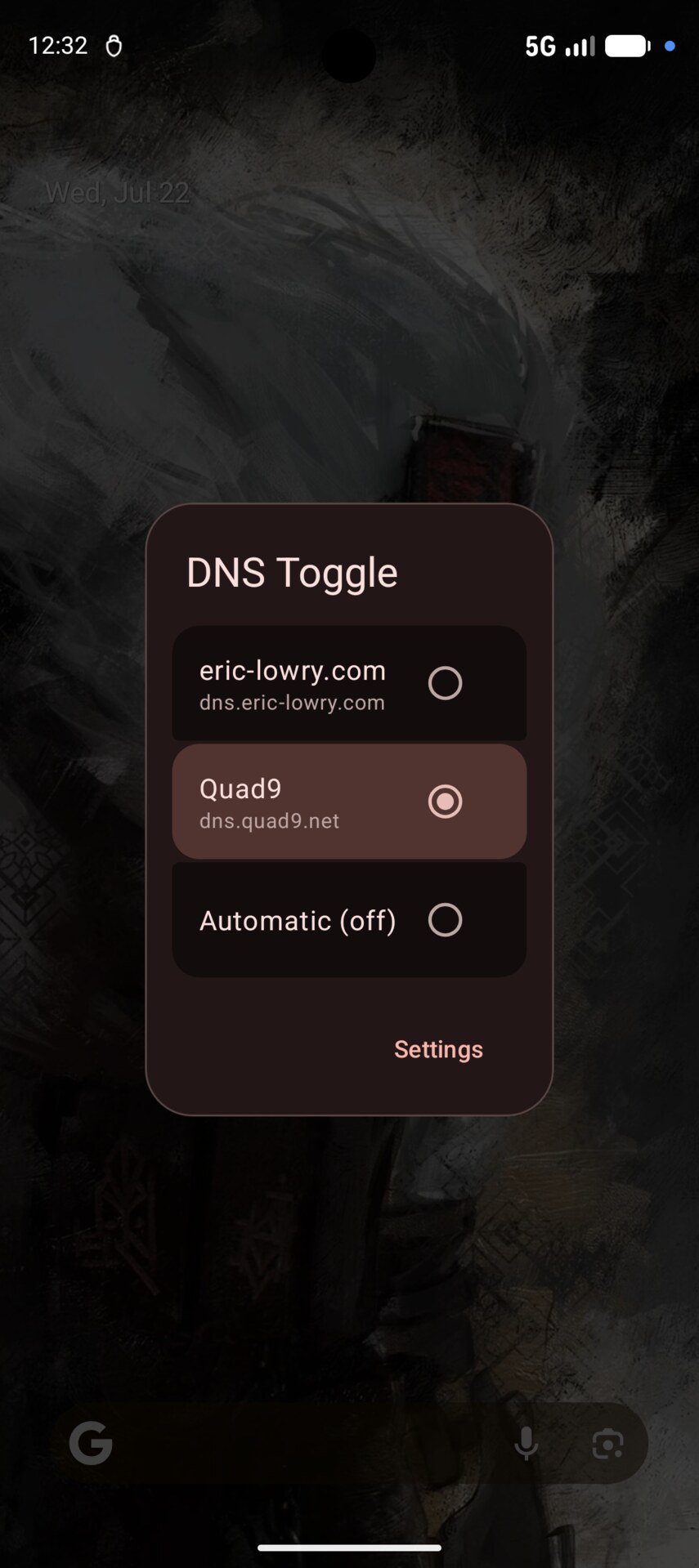
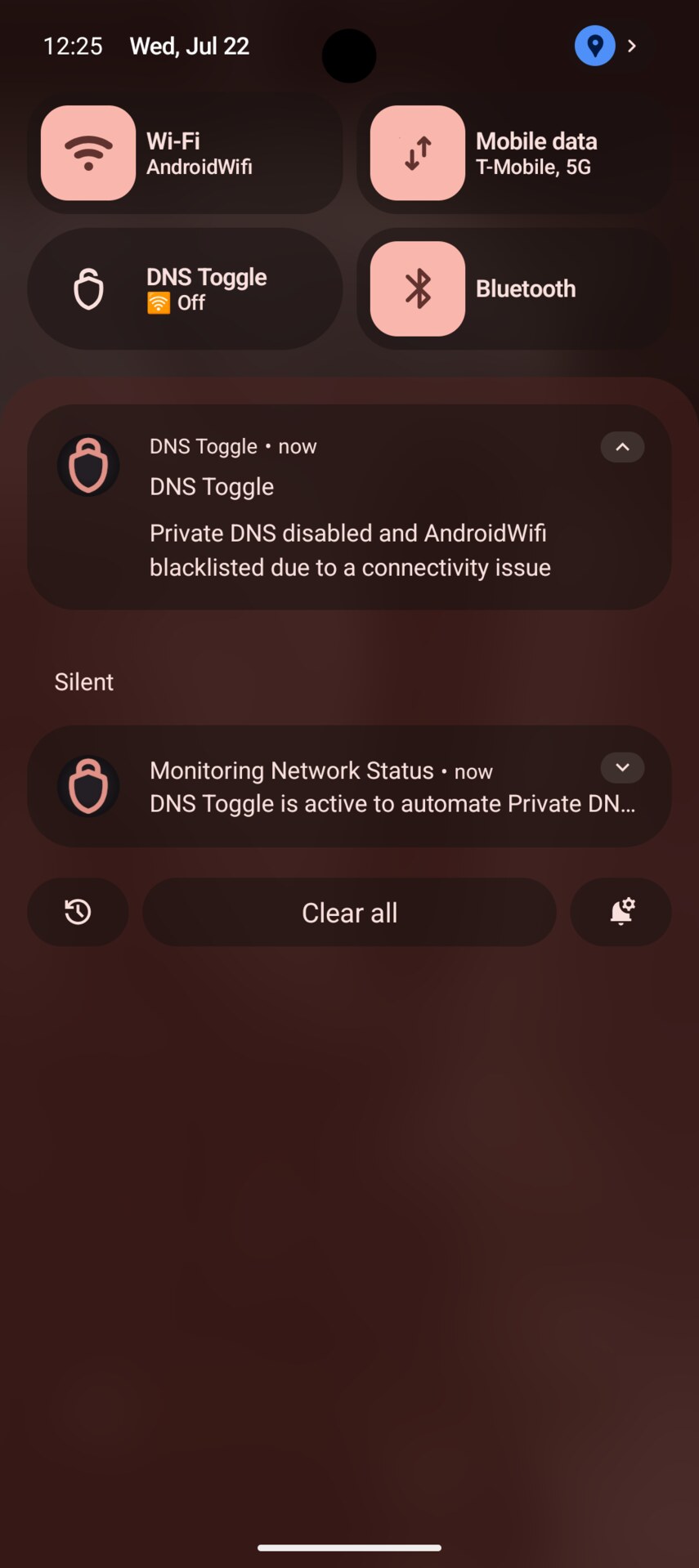
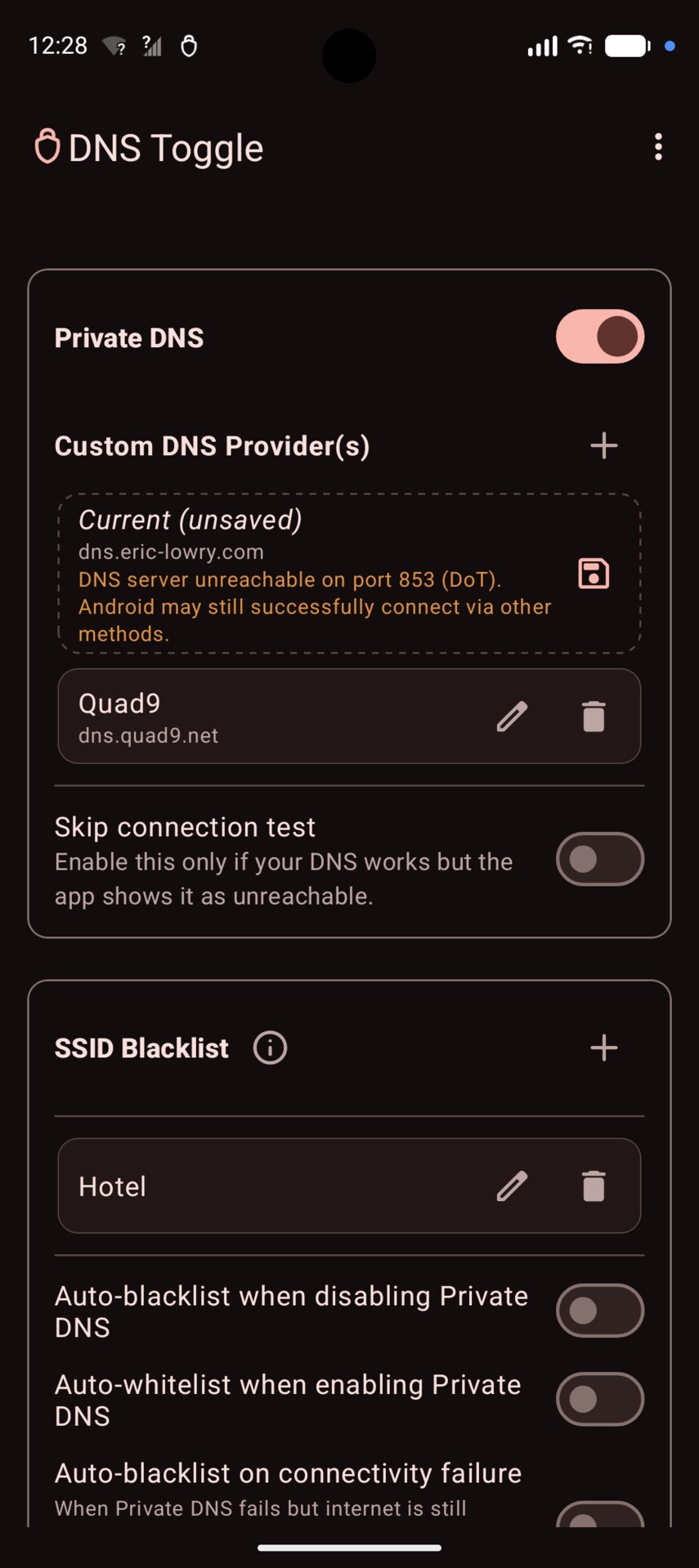
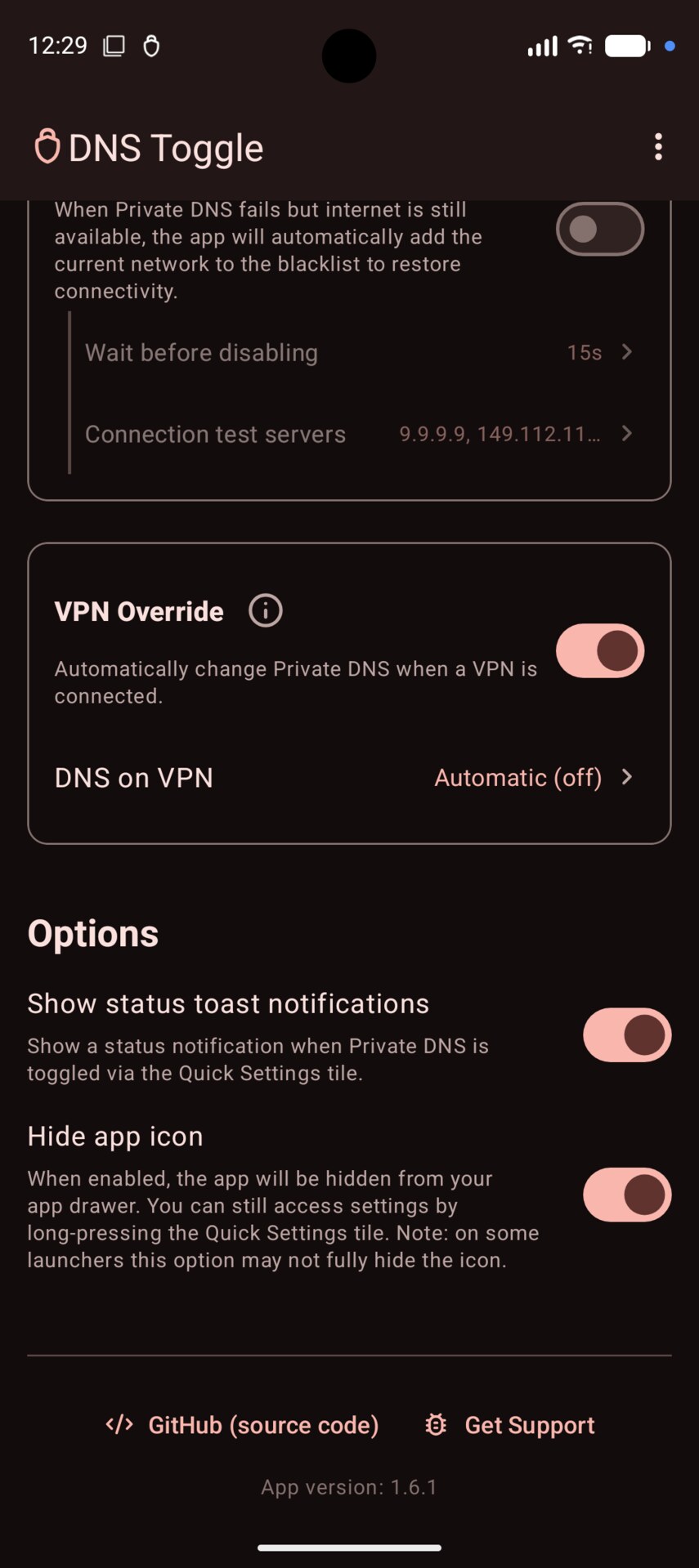
| Gallery | |||
|---|---|---|---|
 |
 |
 |
 |
Over the course of a few days, I coded the initial app, designed its logo, and submitted it to F-Droid to make it more easily available. Since then, it has evolved into a more capable tool allowing you to fully automate your private DNS directly from the quick settings panel.
UX & Requirements
To keep the user experience as frictionless and lightweight as possible, I designed the app to be effectively "invisible" by offering an option to hide the app from your launcher drawer. Instead, everything is managed directly from the quick settings panel: a single tap toggles private DNS, and a long-press opens a configuration menu. From there, users can save multiple custom DNS provider hostnames, rename the tile label, or set up automation rules to disable or override the DNS on specific Wi-Fi networks (SSID filtering) or active VPNs. It also supports securely backing up and restoring your configurations via password-encrypted files.
Because this relies on changing a protected system setting, the app
requires the WRITE_SECURE_SETTINGS permission to function,
which must be granted via root, Shizuku, or manually through an ADB
command.